

How to Place an Order on the Sahm Web Version?
To place a buy order on the Sahm website, follow these steps:
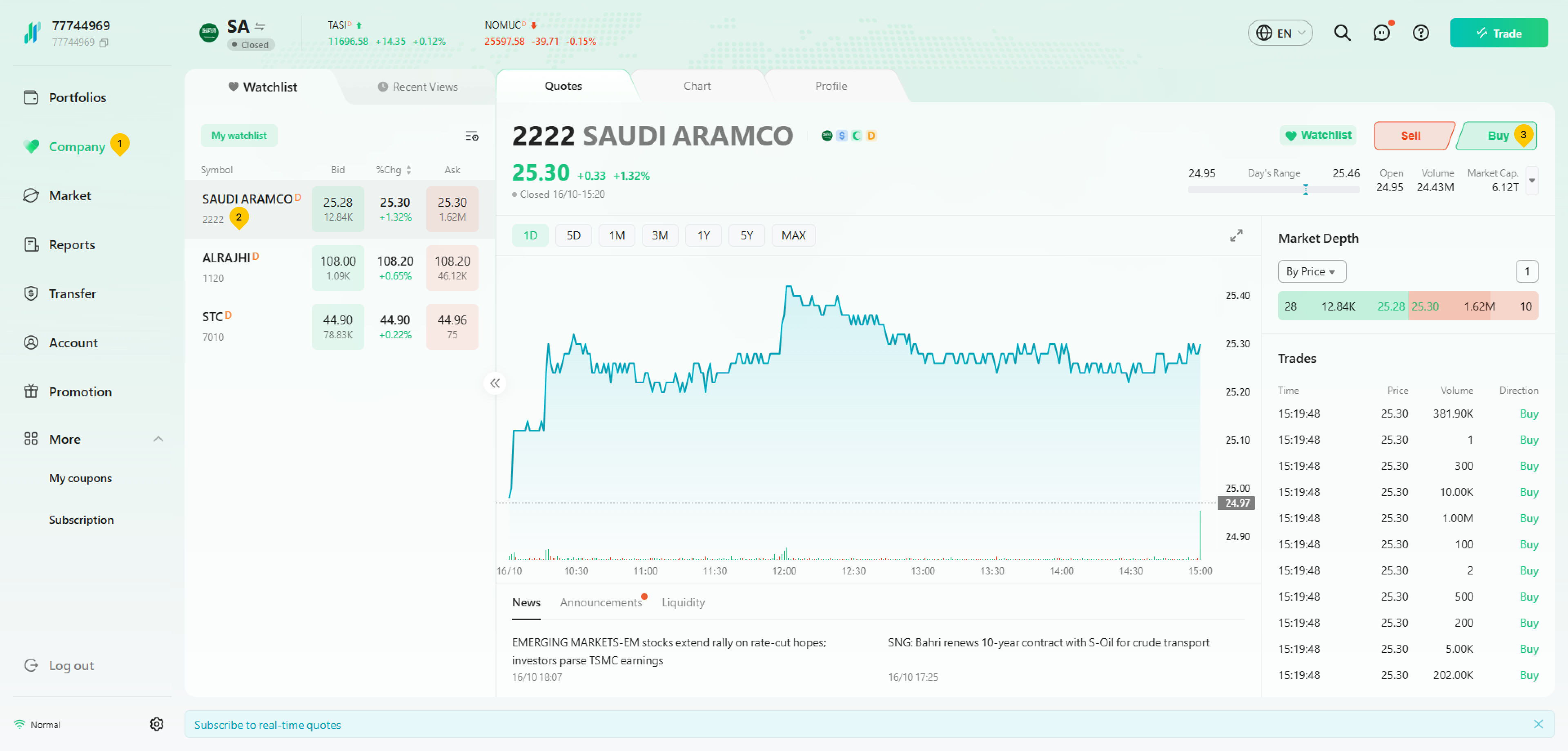
- Click "Company" on the left side of the page, and select the company that you want to trade, then click "Buy".
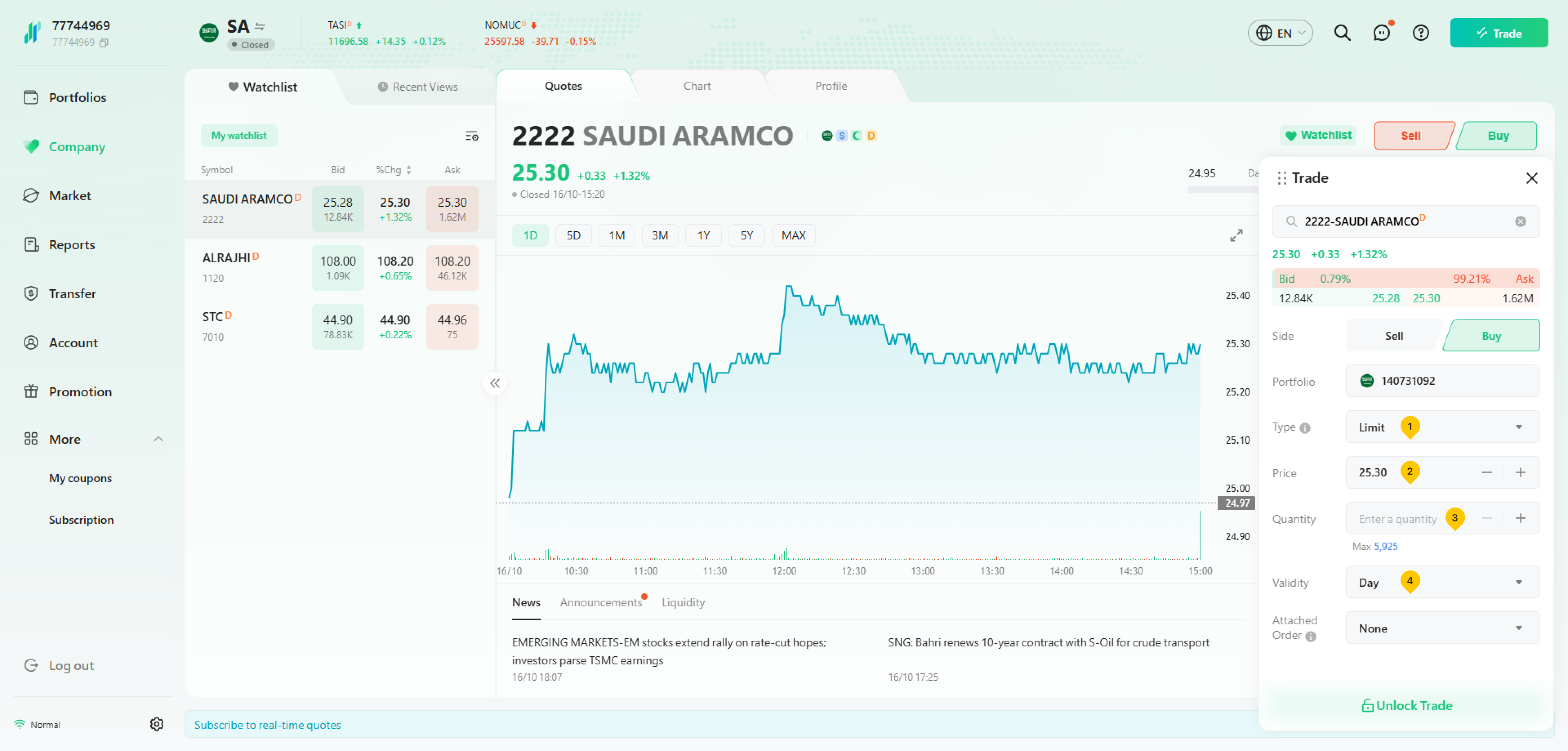
- Choose the order Type, enter the Price and Quantity, and select the Validity of the order.
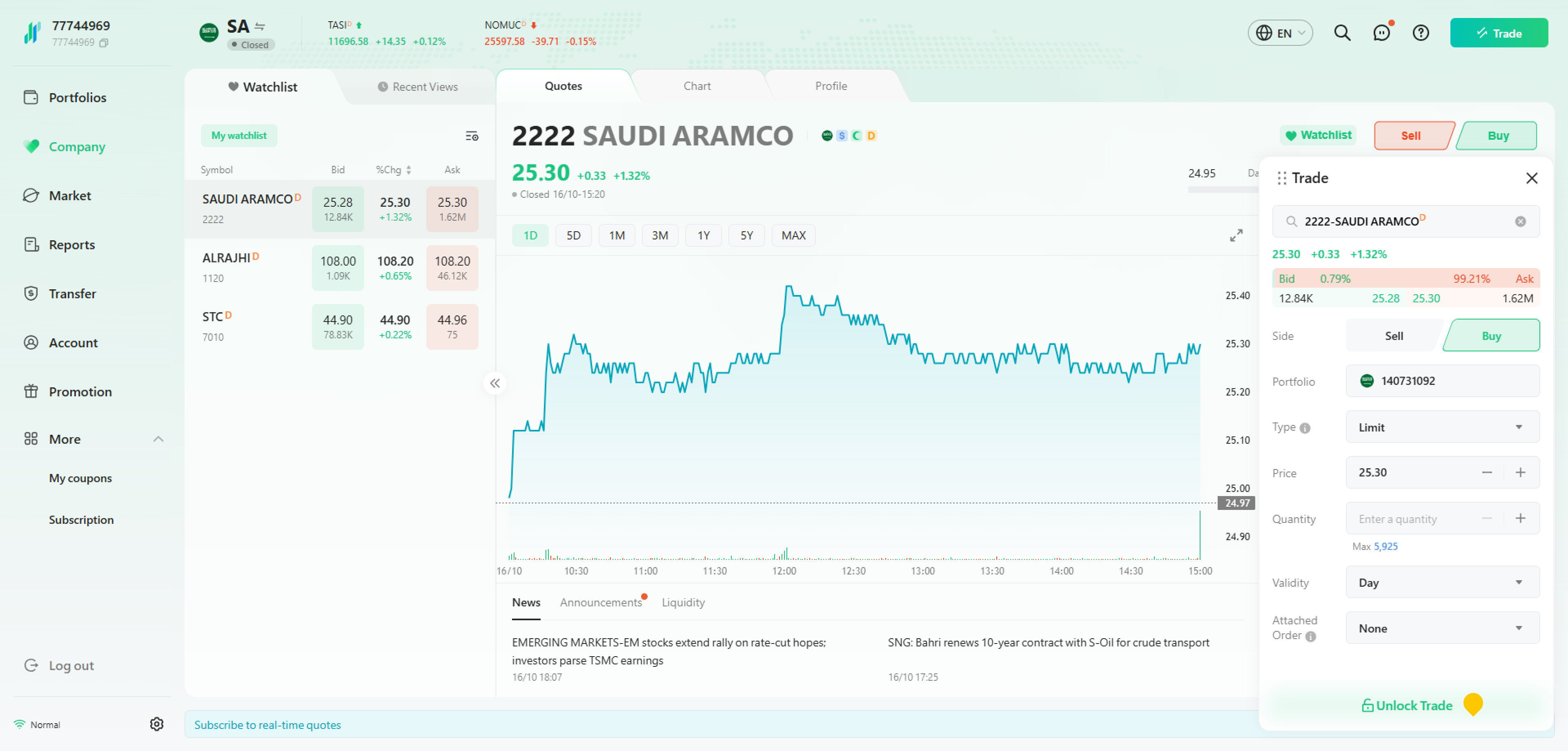
- Click on "Unlock Trade", then enter your trading password to complete the order.
Was this article helpful?
You can also
contact Customer Services
for help.
Yes
No